MyMetro
Your calendar as a metro departure board · free, no account needed
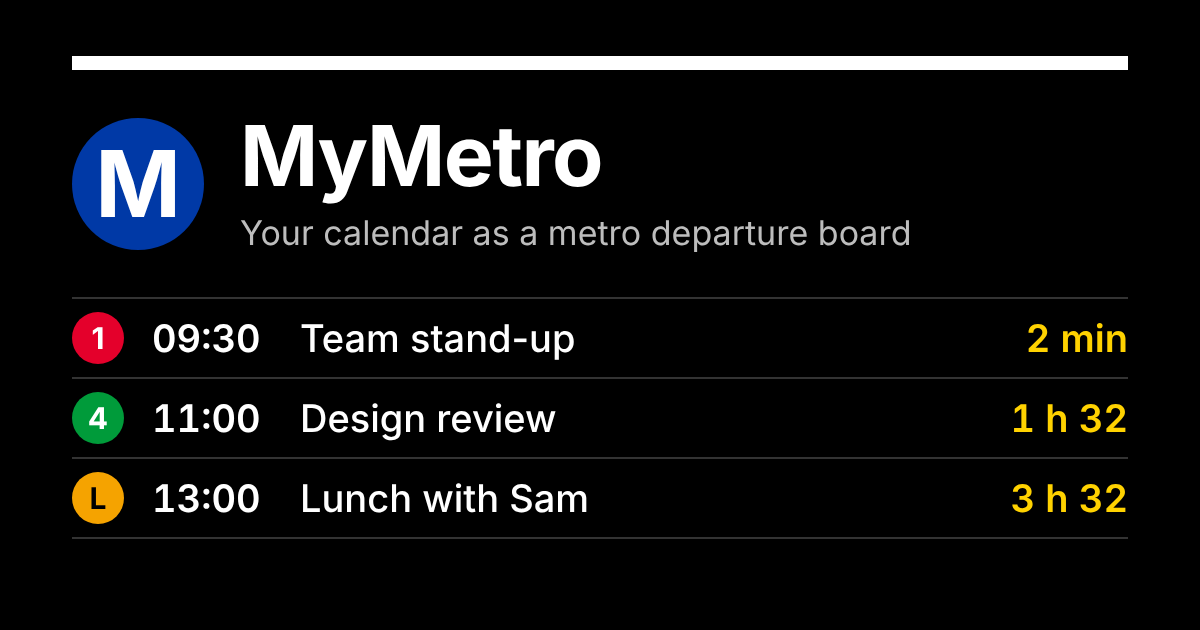
MyMetro is a free web app that shows your calendar the way a metro station shows trains. Your next meetings arrive at your station with a countdown ("Design review · 5 min"), each kind of event runs on its own coloured line, and you can see your whole week as a timetable and your day as a metro map. It's a calmer, at-a-glance way to see what's next, on your phone, on your computer, or on a spare tablet on your desk.
You can look around with sample events straight away, without connecting anything or signing in. Read the privacy policy and terms of service.
What it does
- Departure board: your next events with live countdowns, "Arriving" and "At platform" as they start, and cancelled meetings marked "Suspended".
- Lines: work, personal, health, social, travel and errands each get a line and a colour; you choose what rides which line.
- Timetable: the week ahead, day by day, with a weekly travel card of your time in meetings and focus time.
- Map: your day as a metro line or network map, with a train moving along it.
- Helpful signs: double-booked meetings flagged as a "signal problem", your next free stretch as "platform clear", and busy back-to-back runs as "rush hour".
- Ten city styles: New York, London, Tokyo, Auckland, Paris, Hong Kong, Berlin, Seoul, Stockholm and Amsterdam, inspired by metro signs around the world.
- Works offline and installs on your phone, tablet or computer like an app.
Works with your calendar
- Microsoft Outlook and Microsoft 365 (sign in with Microsoft)
- Google Calendar (sign in with Google)
- iCloud, Fastmail, Proton and any calendar subscription link (webcal or ICS)
- Calendar files (.ics)
Your data
MyMetro only reads your calendar, never changes it, and keeps what it reads on your own device. There are no accounts, ads or tracking, and nothing is sold or shared. When you connect Google Calendar, the app reads your events (read-only) and your name and email address only to show your own calendar back to you; that data goes straight from Google to your browser and is never sent to any server of ours. You can disconnect at any time in Settings › Calendars. The full details are in the privacy policy.
Who makes it
MyMetro is made by Adrian Thomas. It isn't affiliated with any transit operator. Questions: hello@mymetro.io.